Click to download now, finish the installation quickly, and directly unlock the all-round experience
Screenshots
Click to download now, finish the installation quickly, and directly unlock the all-round experience
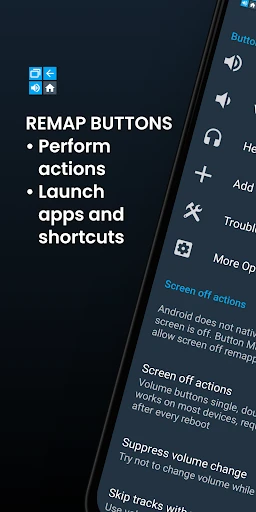
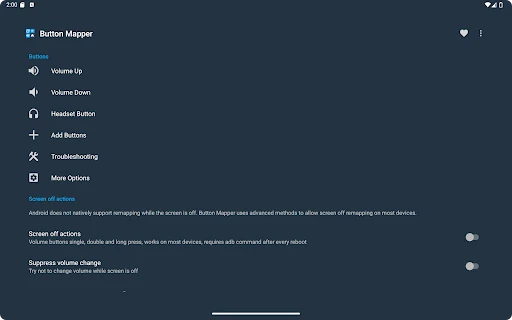
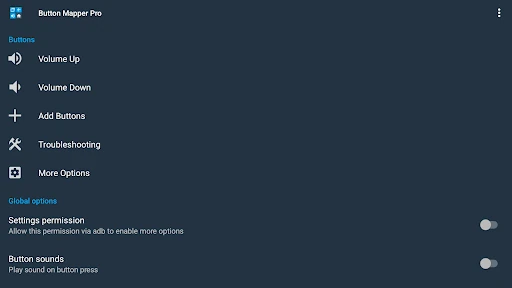
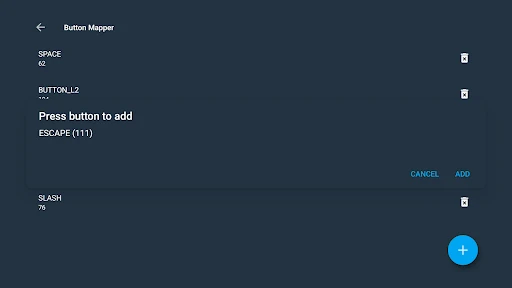
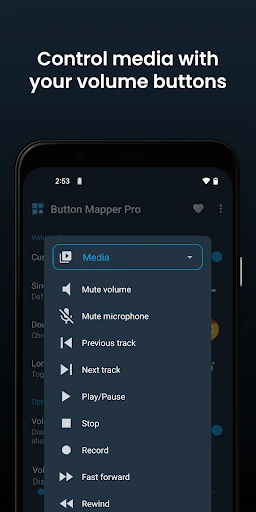
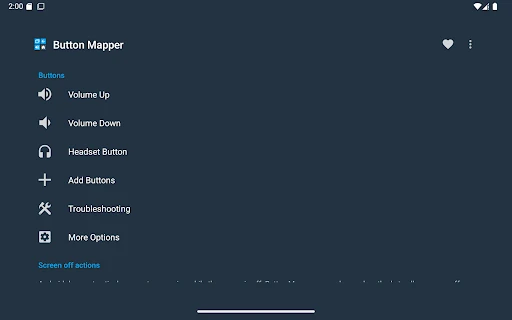
Button Mapper: Remap your keys changes what selected hardware buttons do when you press them. It suits people who want quicker access to an app, shortcut, system control, or device function without reaching through menus. Supported inputs include volume buttons, some home, back, and recent-app keys, camera and headset buttons, plus many buttons on gamepads, remotes, and other peripherals.
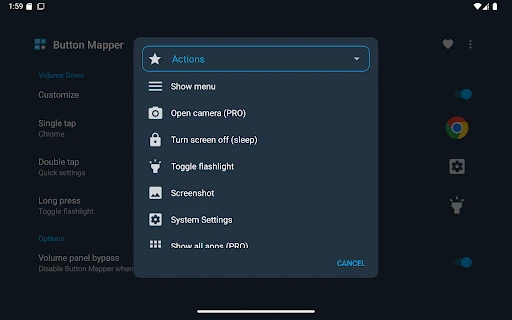
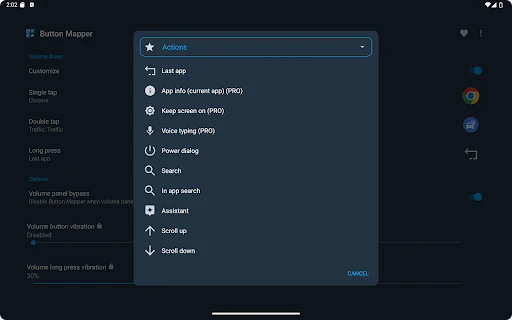
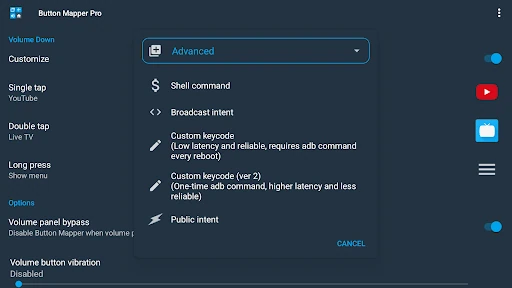
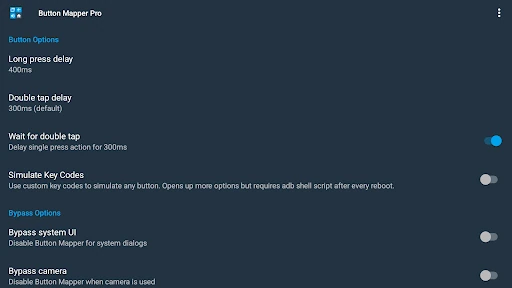
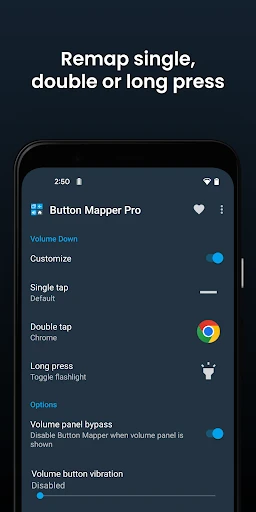
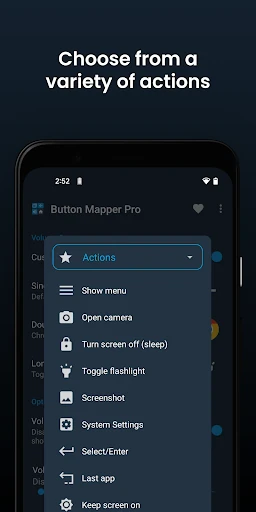
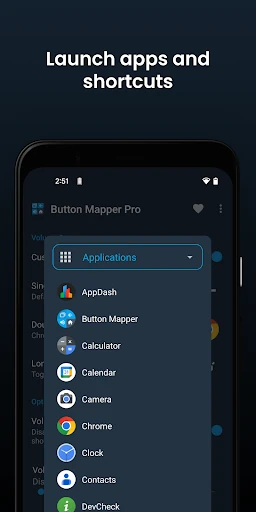
A button can be assigned different actions for a single press, double press, or long press. Depending on the device and available access, actions include launching an app or shortcut, opening notifications or Quick Settings, taking a screenshot, toggling the flashlight, controlling music, changing volume or brightness, switching the last app, turning the screen off, and toggling Wi-Fi, Bluetooth, rotation, or Do Not Disturb.
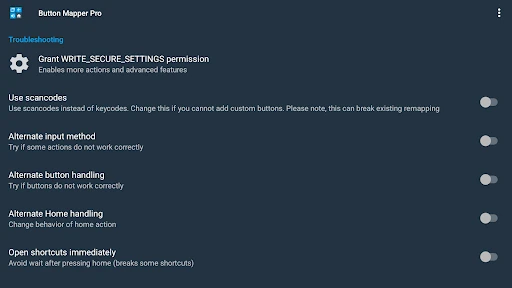
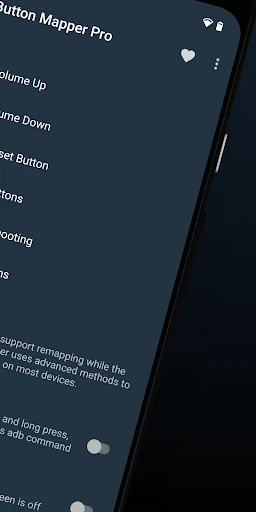
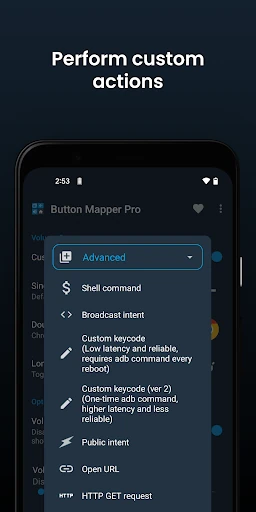
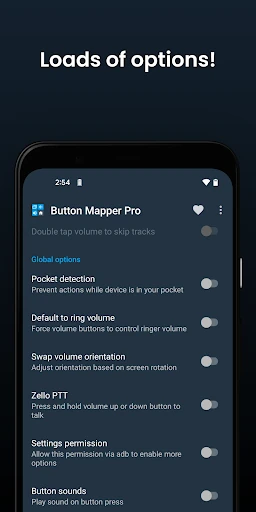
Root is not needed for most actions, but some controls require an ADB command from a connected computer or root access. Button remapping may not work while the screen is off unless one of those conditions is met. More advanced options include custom keycodes, scripts, broadcast intents, and root commands; availability also depends on the Android device and button being mapped.
The app is published by flar2 in Personalization. It has a 3.59 rating from 20,069 reviews and is listed with 5,000,000+ installs. Its main appeal is practical rather than decorative: it turns spare or inconvenient buttons into shortcuts tailored to how you use your phone and connected devices.